01
Find, don't hunt
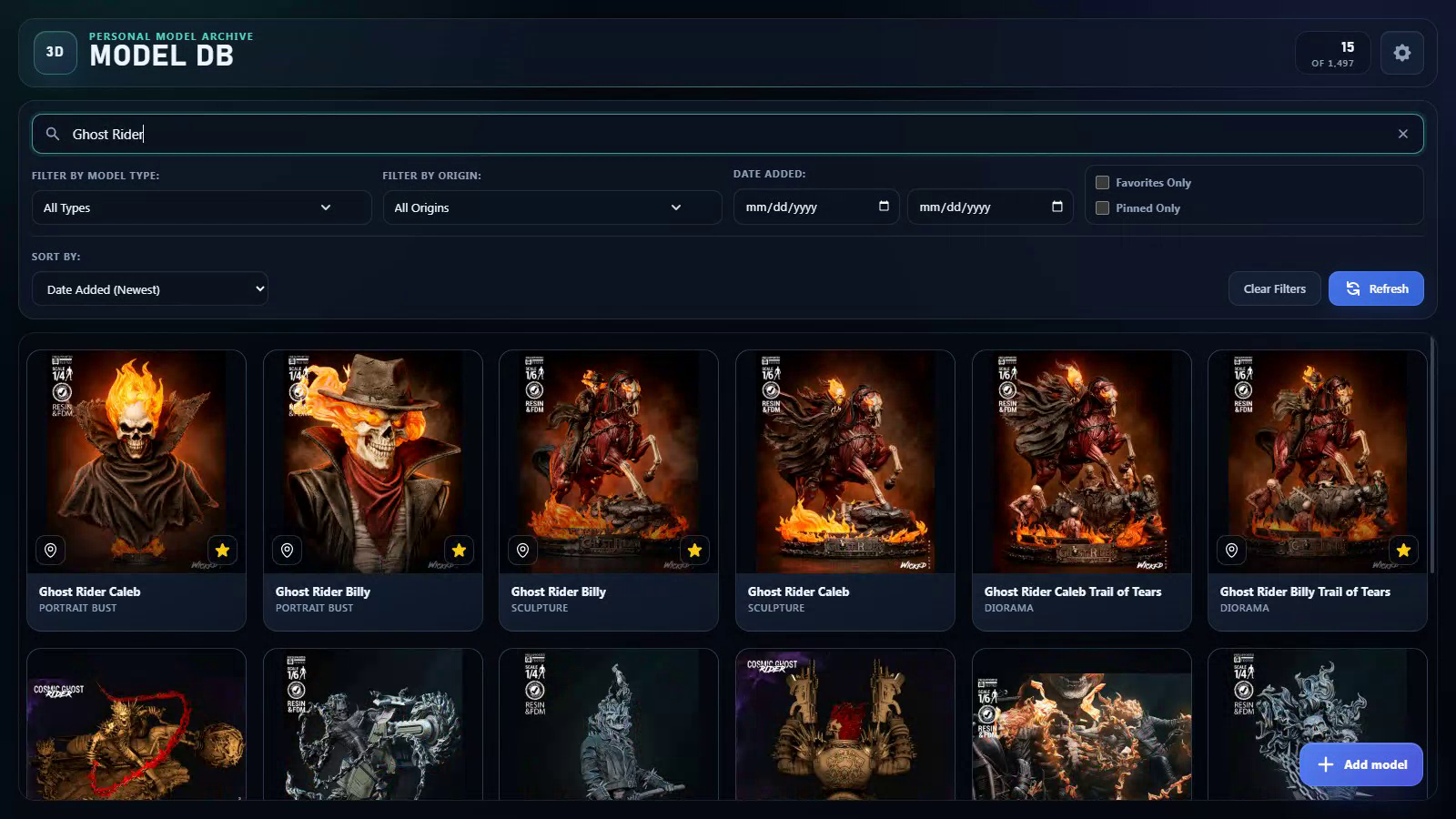
Search by name and narrow the collection by type, universe, date, favorites, or pinned selections.
 Peryton Design
A local-first visual archive built to make a sprawling 3D model collection feel immediate, searchable, and worth exploring.
The desktop app in motion
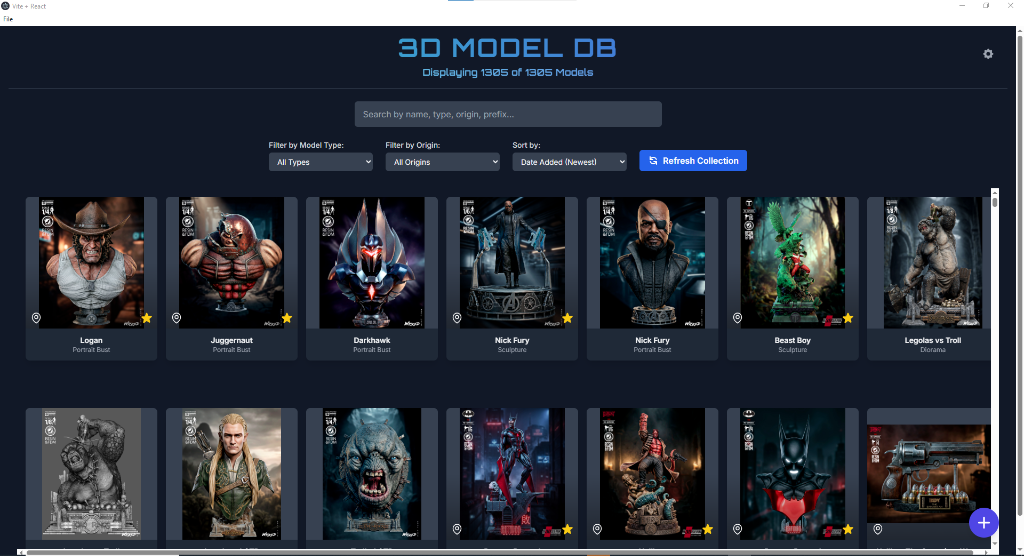
Follow a real collection from browsing and search to image galleries, character stories, and a closer look at every detail.
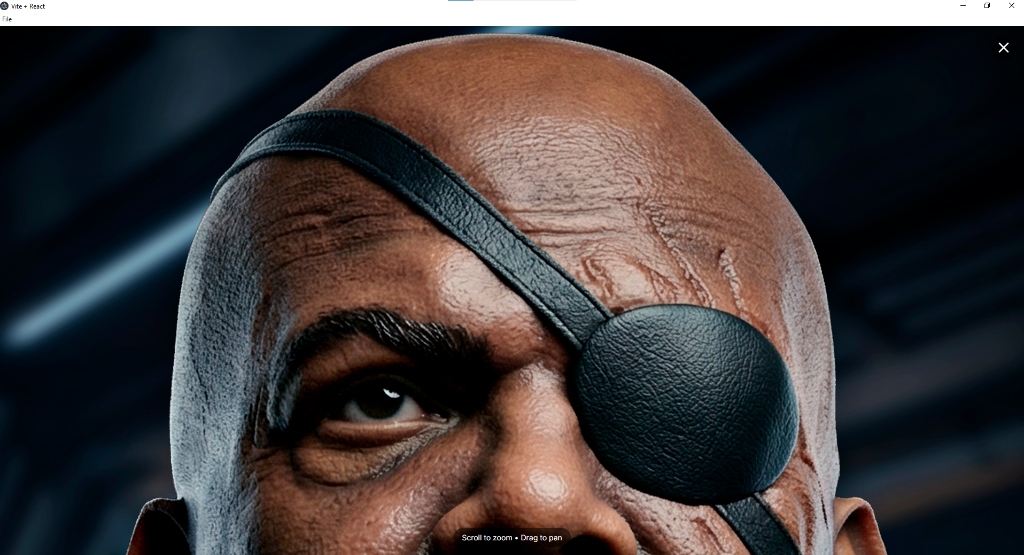
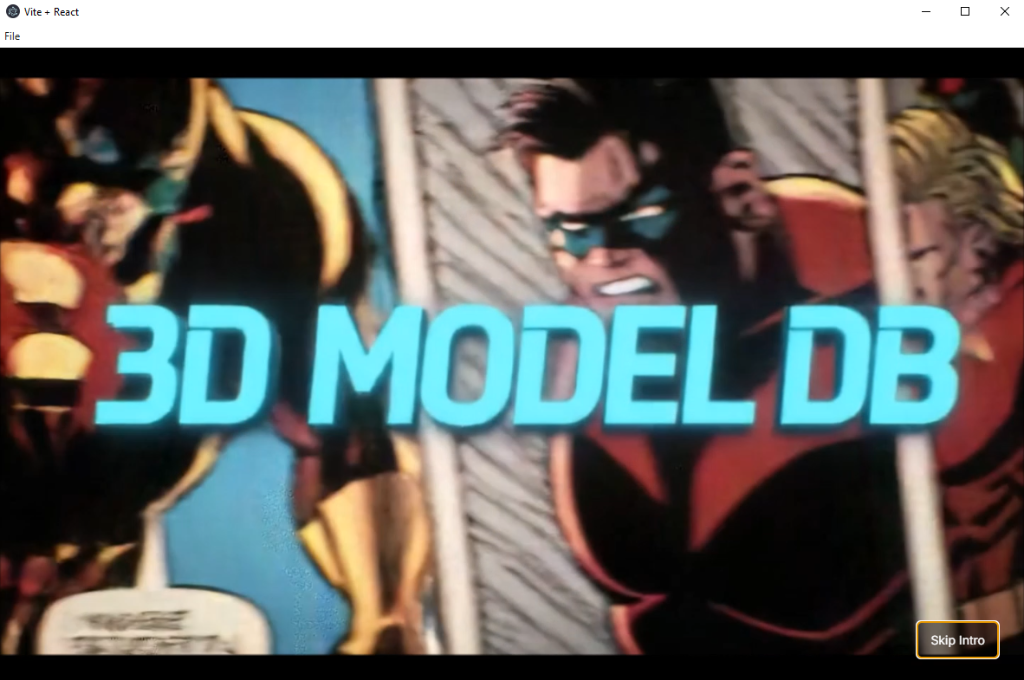
The trailer moves through the model grid, searches for Ghost Rider, opens a model's image gallery and character metadata, then zooms into a render. Artwork and creator marks belong to their respective creators.
The brief
Model folders are fine—until the collection becomes the size of a small museum. Generic filenames, deep directories, and thousands of renders make discovery harder than collecting.
3D Model DB turns that file system into a visual catalog. The originals stay on the owner's machine while the app adds fast previews, structured metadata, and a focused interface for finding the right asset without breaking creative momentum.
The experience
Every interaction is designed around the way a visual collector actually remembers: by the image first, then the metadata.
01
Search by name and narrow the collection by type, universe, date, favorites, or pinned selections.
02
Hover previews reveal more of a model before opening it, with favorite images promoted and pinned covers held in place.
03
A dedicated viewer loads the active image on demand, then supports deep zoom and pan when precision matters.
From asset to artifact
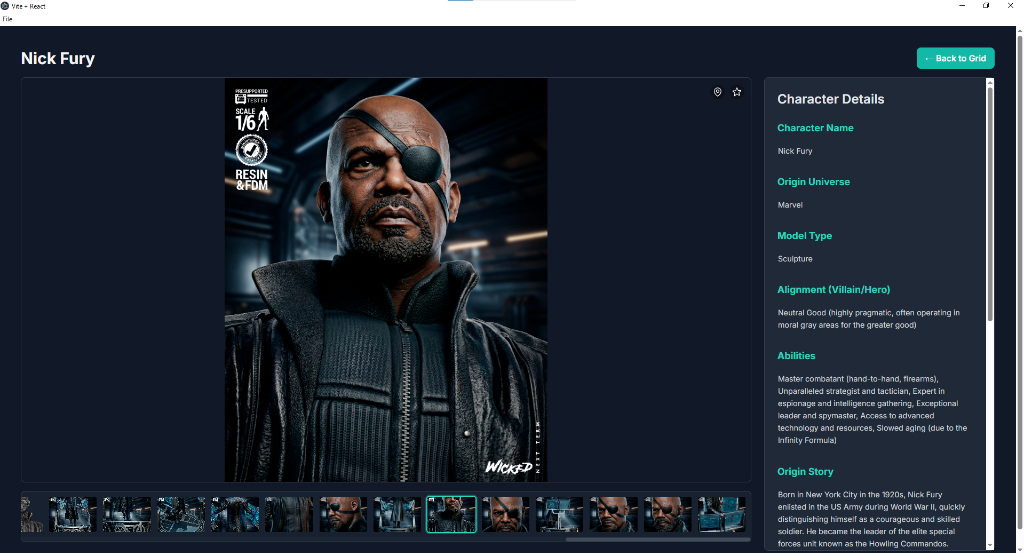
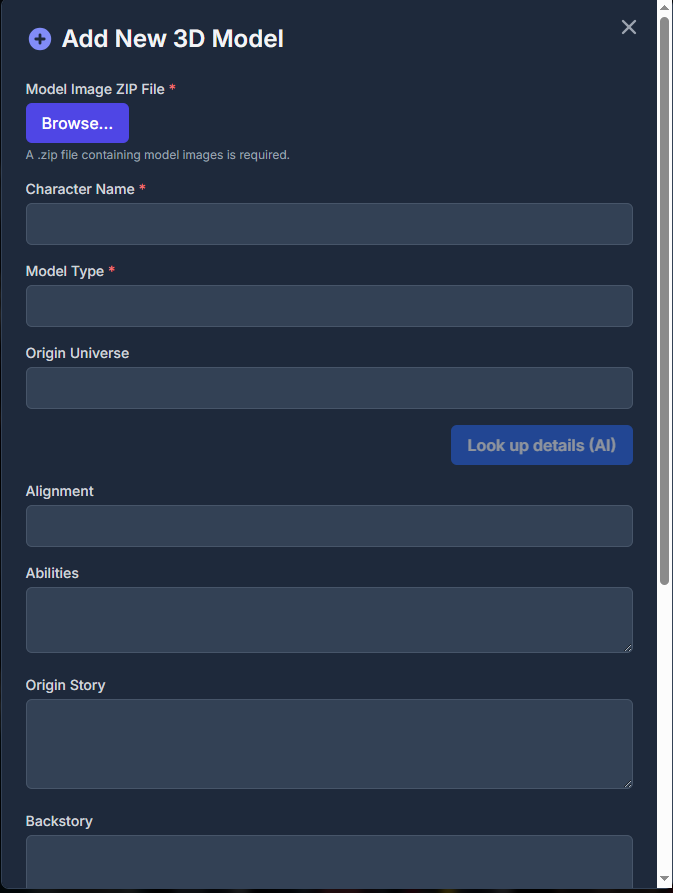
Each entry brings its renders and reference details into one workspace: character, universe, model type, alignment, abilities, origin story, notes, source links, and custom fields.
The workflow
The application respects the existing library instead of forcing it into a cloud service or proprietary storage system.
Point the app at the existing model library. The first scan builds a visual index without relocating original files.
Folder changes are monitored in the background, so the collection can update as new models and renders arrive.
Search, filter, favorite, pin, annotate, and import ZIP packages from one focused workspace.
Back up SQLite, move metadata through CSV, or export a safe derivative snapshot for mobile and sync workflows.
Under the hood
Original artwork stays local. Lightweight derivatives and a strict process boundary keep a large image library responsive and predictable.
A
react-window only renders the cards in view. The interface stays light even when the archive does not.
B
Sharp generates WebP thumbnails and previews in a low-concurrency background queue, preserving originals for deep viewing.
C
Changed or missing images are detected, stale derivatives are repaired, and asset identities survive common file moves.
D
Deterministic snapshots package metadata and display derivatives without putting the live SQLite database in a sync folder.
Measured on the working archive
The portfolio isn't describing a hypothetical scale test. These figures come from the collection the application manages today.
Product gallery
Select any view to inspect it at full size.
The outcome
3D Model DB began as a practical answer to folder fatigue. It has grown into a local-first product system: desktop catalog, resilient image pipeline, portable snapshot format, and a path to a companion mobile experience.